How to export your Booking.com calendar (iCal sync)
The Booking.com extranet can publish each room type's bookings as an iCal URL. Register it with your cleaning tool and reservations appear automatically.
Steps
- Log in to the Booking.com extranet.
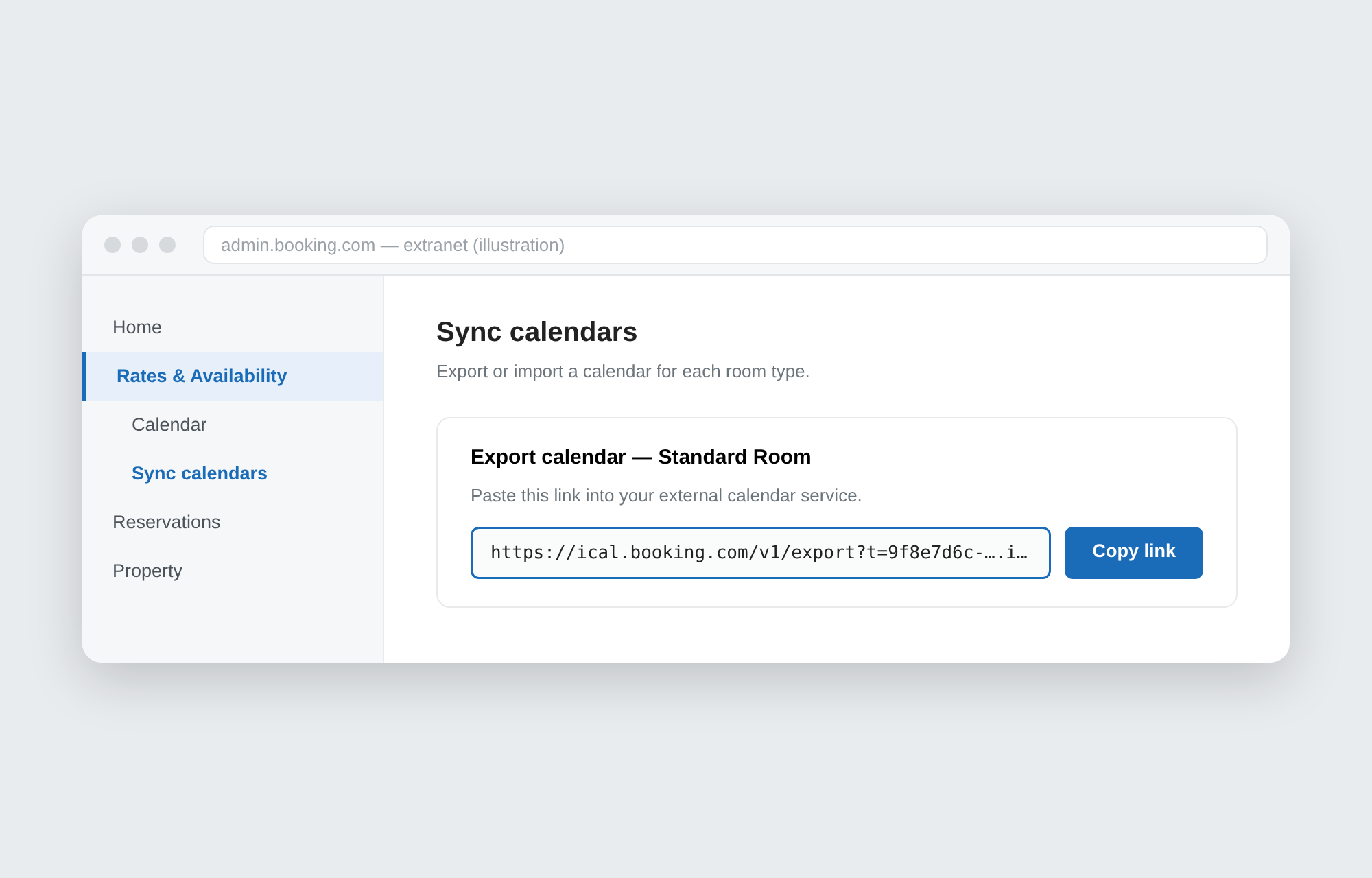
- From Rates & Availability, open Sync calendars.
- Choose Export calendar — the iCal URL appears.
- Copy it. It's one URL per room type, so export each type you operate.
Menu names change with extranet updates, and calendar sync isn't available for every property type or contract — check with Booking.com support if you can't find it.
What the URL contains
- Booked ranges (check-in to checkout) and manually closed dates.
- No guest names, contact details or prices.
Handling it safely
- Anyone with the URL can see your availability — share it only with your management tools.
- Expect a sync delay; Booking.com's export is not instant.
Put that URL to work
Paste your iCal URLs into Seisou Calendar and every property's cleaning days (checkout days) appear on one monthly calendar, shared with your cleaning staff through a single link — no staff accounts needed. Free for up to 10 properties.